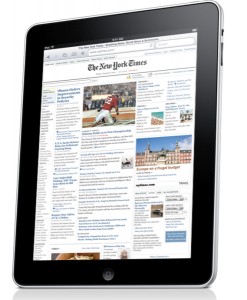
 Here’s a simple workaround to use 3G on your iPad without even buying the 3G model. All you need is iPad Wifi Only model and a iPhone 3G which should be jailbroken.
Just follow these steps to get 3G on your Wifi Only iPad.
- Get your Jailbroken iPhone, Open Cydia >> Manage >> Select Sources
- Just add a new source – sinfuliphonerepo.com
- Search for MyWi and download it.
- You will have to restart your device to have things working.
- Turn on Your Wifi and launch the MyWi app.
- Turn on Wifi Tethering.
- Grab your iPad, Select the Wifi network you just created on your iPhone.
Felicitaciones! You just got 3G on your Wifi Only iPad!
[Via Geekword]


Awesome Information, thanks for your great Post. I will come back soon _ Great information about ipad : ipad