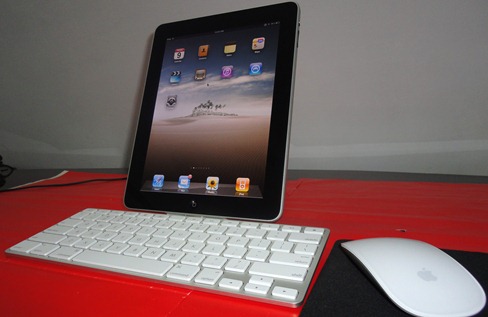
There goes my cursor : How to Use Magic Mouse with your iPad


For all those old-schoolers who still have not been able to recover from the dazzlement of MultiTouch, here’s a trick that will get the traditional pin and point cursor back to your iPad.

With this magic app called BTstack Mouse  you will be able to use the Magic Mouse or any other Bluetooth mouse right on your iPad. My Grandfather would probably love this.

You can get this app in the Cydia store but before that make sure your iPad has a jailbreak done already. Rest all falls in place! Video down below. (Via RedmondPie)

In the mean time, Subscribe our blog and stay updated with latest news!

  • http://topsy.com/trackback?utm_source=pingback&utm_campaign=L2&url=http://www.etiole.com/2010/05/there-goes-my-cursor-how-to-use-magic-mouse-with-your-ipad/ Tweets that mention There goes my cursor : How to Use Magic Mouse with your iPad | Etiole — Topsy.com

    [...] This post was mentioned on Twitter by Monik Pamecha, Etiole. Etiole said: There goes my cursor : How to Use Magic Mouse with your iPad http://bit.ly/cwFyFL [...]